

Connect Points
The Connect Points module will connect nearby points to create connected edges. This module is useful after thresholding where edge points can become disconnected. Unlike the hysteresis technique used in the Canny module, points are connected based on the distance from each other.
Interface
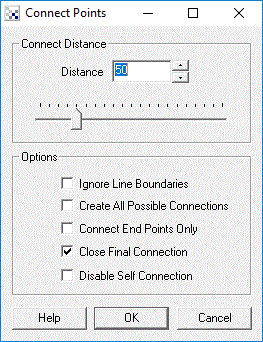
Instructions
1. Distance - Select the maximum distance that points will be connected over.
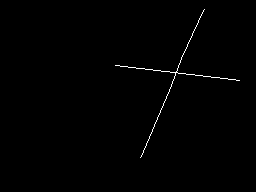
2. Ignore Line Boundaries - When connecting points current lines are taken into account such that no new line will connect over an existing line. Select this checkbox to ignore this limitation and connect end points over existing lines.
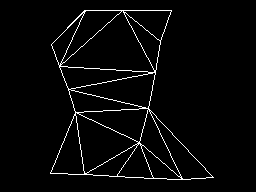
3. Create All Possible Connections - When selected all points are connect to all other points. This is desired when a mesh like connection structure is desired.
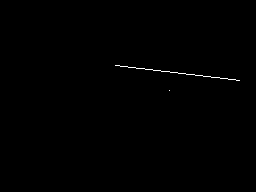
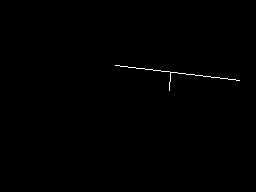
4. Connect End Points Only - Only connect the line end points with other line end points. Thus if you have a single point next to a line it will not connect to the middle of the line by instead one of the line end points (assuming the distance specified above allows for it).
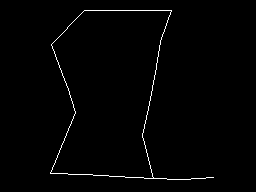
5. Close Final Connection - When serveral points are connection to form a new line the line will not close on itself as in the case of a circle unless this checkbox is selected.
Example
| Source | Connected Points |
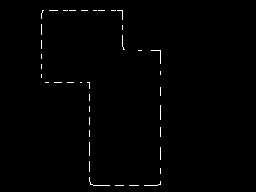 | 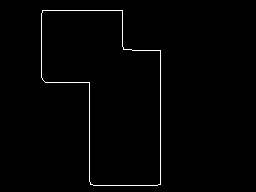 |
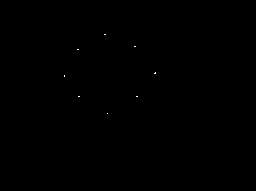 | 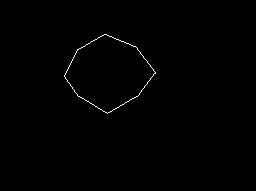 |
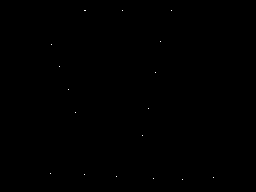 | 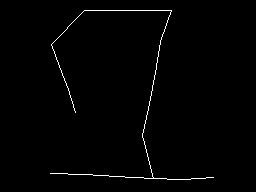 |
| Source | Ignore Line Boundaries |
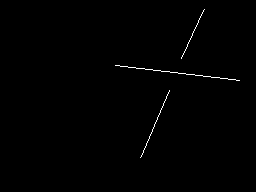 |  |
| Source | Create All Connections |
|  |
| Source | Connect Any Point (not just end points) |
 |  |
| Source | Close Connection |
|  |
See Also
Dilate
| New Post |
| ConnectPoints Related Forum Posts | Last post | Posts | Views |
| None |