

YUV Channel
The YUV channel module converts the image into a luminance, chroma blue, and chroma red components instead of the RGB representation. Similar to the YCbCr space the YUV space attempts to better model the human color perception (although not as accurately as the HLS color space).
Interface
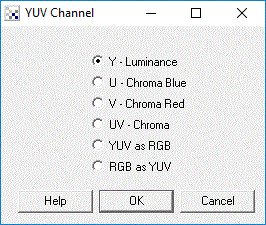
Instructions
1. Specify the appropriate color vector to view by clicking on one of the radio buttons. The image display will update to show that color vector. Note that the selected vector is displayed in the RGB color space for purposes of viewing.
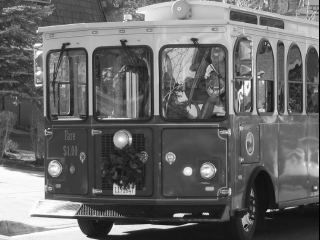
Y - Luminance or light
U - Chroma Blue or first color dimension
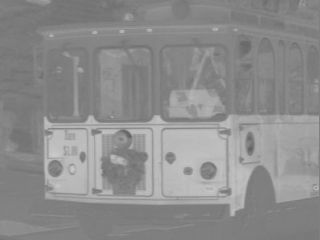
V - Chroma Red or second color dimension<
UV - Chroma or color dimensions
YUV as RGB - convert from RGB to YUV by representing each YUV channel as RGB channels
RGB as YUV - convert from YUV to RGB by assuming each RGB channel as YUV channel
Example
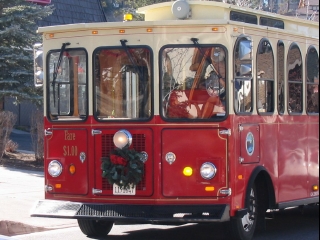
| Source Image | Y Channel |
 |
 |
| V Channel | As RGB |
 |
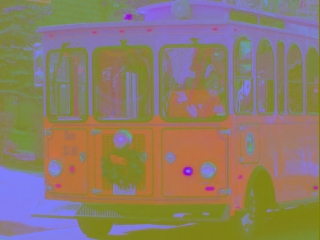 |
See Also
YCbCr Channel
HLS Channel
RGB Channel
| New Post |
| YUV_Channel Related Forum Posts | Last post | Posts | Views |
| None |