

Distance Map
The Distance Map module performs a Euclidean distance map calculation. The distance map module replaces each foreground pixel with a number that represents the distance from that pixel to the border of the object. The distance map is useful in improving performance when calculating morphological operations such as erosion, dilation, etc.
Interface
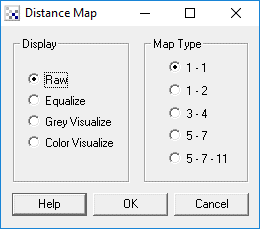
Instructions
1. Specify the how you would like to see the distance map.
2. Specify the map type the distance calculation should use. The map types relate to the
approximated integer euclidean distances that each pixel represents. For
example 1 - 2 represents the following map
2 1 2
1 0 1
2 1 2
Example
Source Image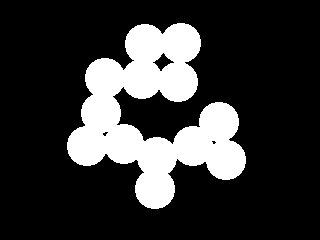
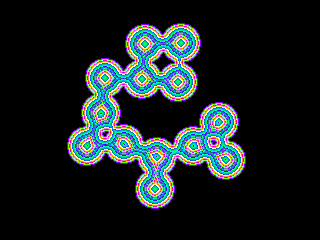
Color Visualized Distance Map of 3 - 4 type
| New Post |
| DistanceMap Related Forum Posts | Last post | Posts | Views |
| None |